
Serious accounting, familiar workflow
Everything MYCFO does today, from the chart of accounts to 167 reports. Shown with actual screens from the app.
Core modules
Available in MYCFO today.
Accounts
- 4-level chart of accounts
- Record General Entry and General Journal
- Recurring Transactions
- Budget
- Branches
Banking
- Bank Payment vouchers
- Bank Receipt vouchers
- Paid To / Received From
Purchase
- Purchase bills
- Vendor payments
Sale
- Sales
- Customer receipts
Inventory
- Item list
- Stock received and stock consumed
- Stock Register
Payroll
- Employees
- Salary sheets
Cards
- Supplier, customer and employee cards
- Personal cards
Projects & Jobs
- Projects, with jobs linked to projects
- Project and job on every voucher line
- Project budgets and opening balances
Tax codes
- Tax codes with rates
- Tax calculated by code and rate on document lines
- Does not prepare or file national tax returns
A proper double-entry general ledger
A 4-level chart of accounts with header accounts that roll up. You post through dedicated vouchers.
- Record General Entry and General Journal
- Bank Payment, Bank Receipt, Purchase Bill, Vendor Payment, Sale and Customer Receipt vouchers
- Recurring Transactions for repeating entries
- Budget and Branches
- Automatic sequential numbering, e.g. GRV#00001
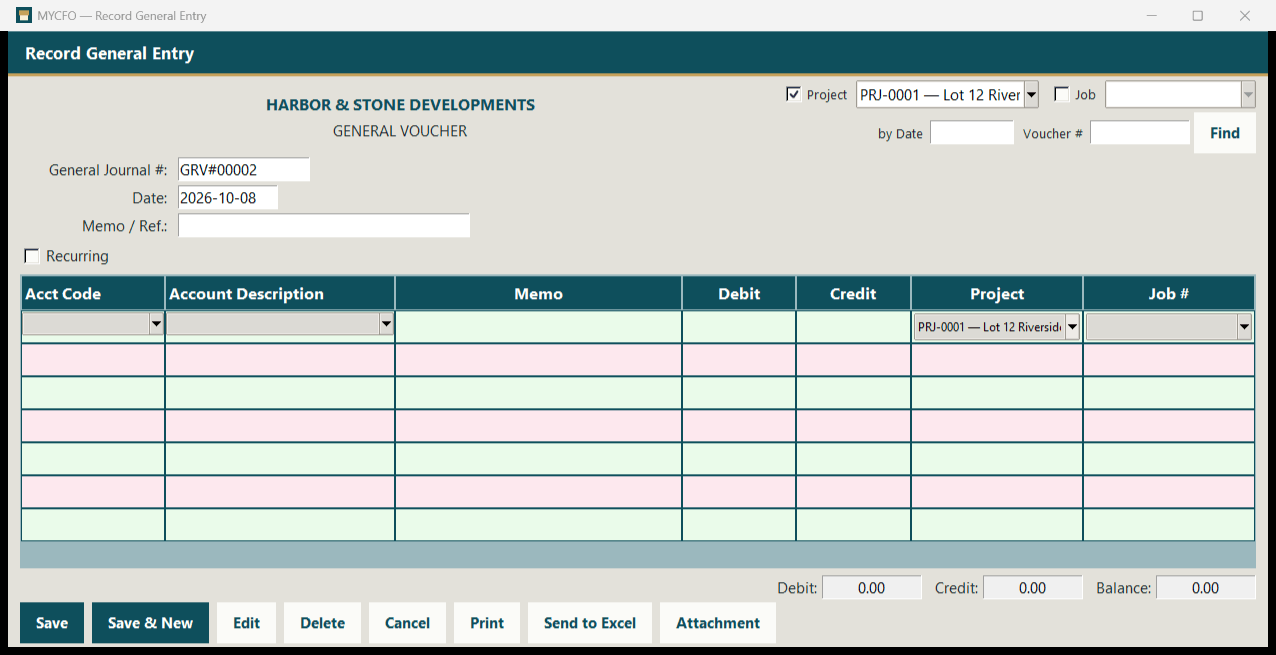
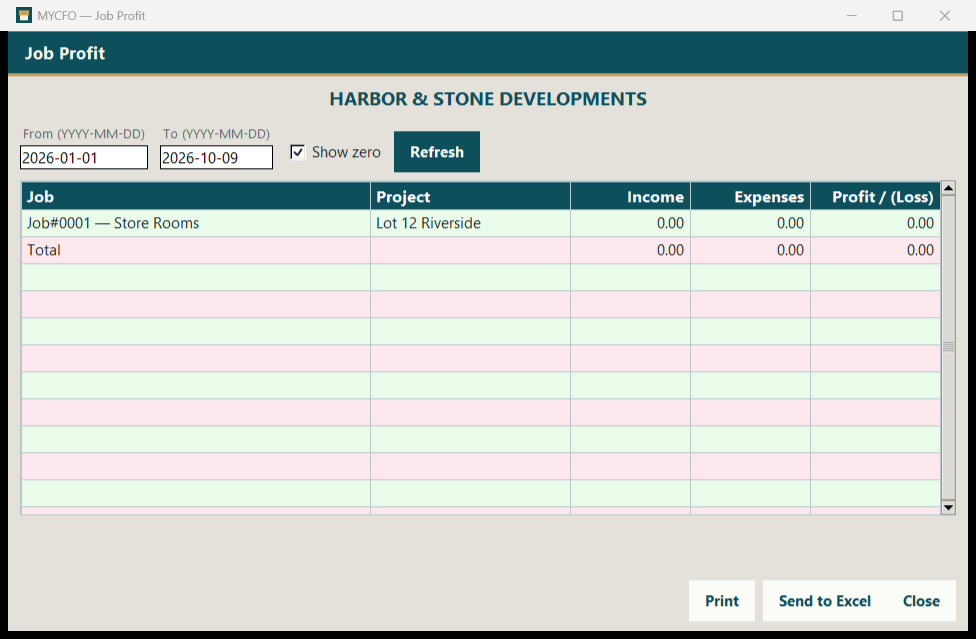
Know what every project and job earns
Projects, and jobs linked to them, can be set on every voucher line. Budgets and opening balances are supported.
- Project List and Job List
- Project and Job columns on voucher lines
- Project and budget opening balances
- Reports: Project Profit, Job Profit, P&L by Project, P&L by Job, P&L by Branch
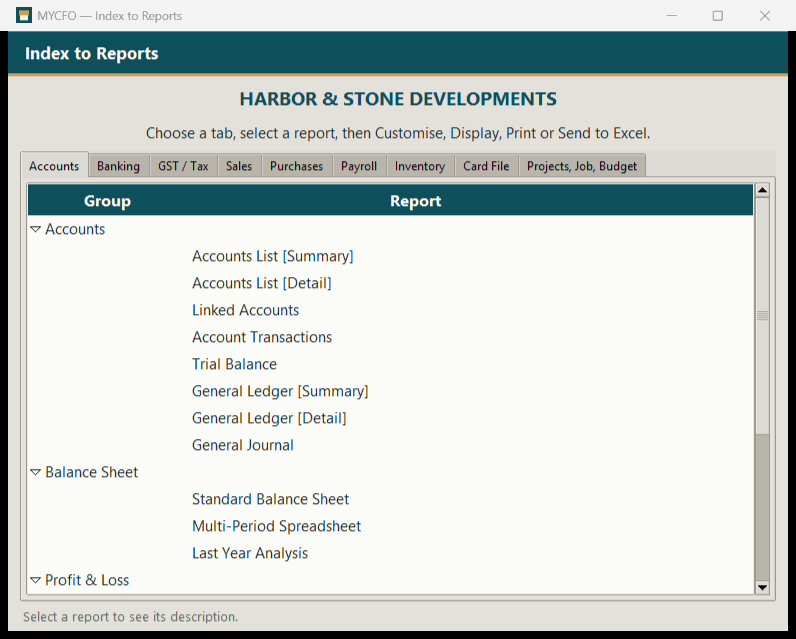
167 reports in the Index to Reports
Organised across 9 tabs. Every report can be printed to any printer or sent to Excel.
| Index to Reports tab | Reports |
|---|---|
| Accounts | 19 |
| Banking | 17 |
| GST / Tax | 3 |
| Sales | 34 |
| Purchases | 27 |
| Payroll | 25 |
| Inventory | 18 |
| Card File | 11 |
| Projects, Job, Budget | 13 |
| Total | 167 |
Highlights
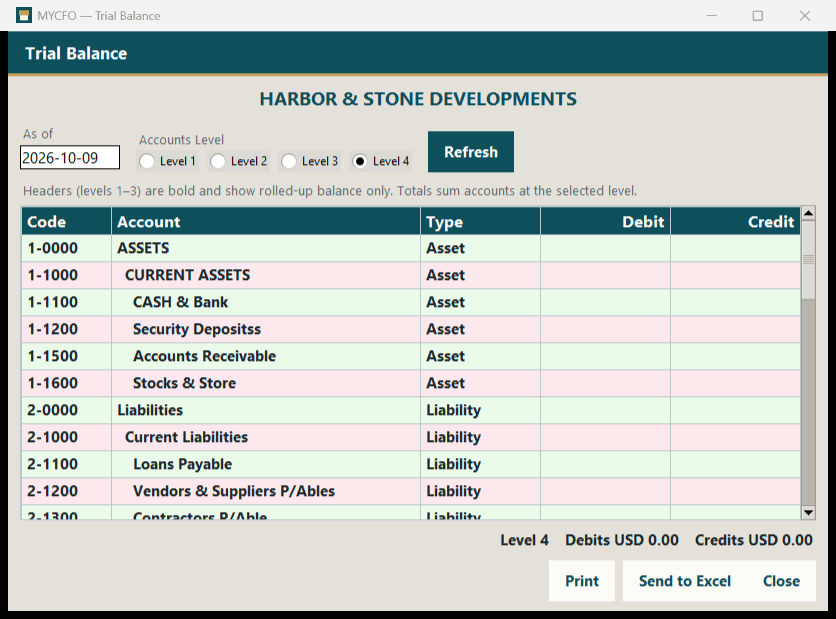
- Trial Balance and General Ledger with a Level 1–4 option
- Balance Sheet: standard, multi-period and vs last year
- Profit & Loss: accrual, multi-period, multi-period budget, budget analysis (difference and %), percent of sales, vs last year
- Statement of Cash Flow
- Ageing of receivables and payables
- Report Batches to run several reports together
- Print to any printer and Send to Excel on every report
The GST/Tax tab has 3 reports. MYCFO applies tax by code and rate on document lines; it does not prepare or file national tax returns.
Keep the evidence with the entry
Attach supporting documents to every voucher, and open them again from the transaction itself.
- Photos, PDFs and scans
- Add, open and remove attachments on every voucher
- Less hunting through folders at audit time
| Document | Type | Action |
|---|---|---|
| 📄 Supplier-invoice.pdf | Open | |
| 📷 Receipt-photo.jpg | Photo | Open |
| 🖨️ Delivery-note-scan.png | Scan | Open |
Your home currency, wherever you are
Each company runs in its own home currency, chosen from a list of 154 ISO currencies. Currency records include an exchange-rate field.
- Choose your home currency from 154 world currencies
- Run each company in its own home currency
- Vouchers are entered in the company's home currency
- Foreign-currency vouchers and exchange gain/loss are on the roadmap.
Choose from 154 ISO currencies. Vouchers are entered in the home currency. Illustration, not an actual screen.
Set up the way you're used to
Setup follows familiar desktop accounting workflows.
Easy Setup Assistant
Guided setup for a new company.
Opening balances
Enter account, project and budget opening balances.
Linked accounts & preferences
Set linked accounts and preferences to match how you work.
Customisable forms
Adjust forms to your business.
Multiple companies
Create a new company or open an existing one.
Automatic numbering
Sequential numbers on every voucher, e.g. GRV#00001, BPV#00001.
Your data, in and out, kept safe
Excel import & export
Bring data in from Excel and export it back out.
Print & Send to Excel
Every voucher and report can be printed to any printer or sent to Excel.
Dated backups
Manual backups, automatic backups every 24 hours and a nightly scheduled task.
Restore
Restore from a dated backup.
Attachments
Photos, PDFs and scans on every voucher.
Windows desktop
A native Windows desktop app, tested on Windows 11, with a MySQL database.
See MYCFO in action
Actual MYCFO screens. Click any image to view it full size.
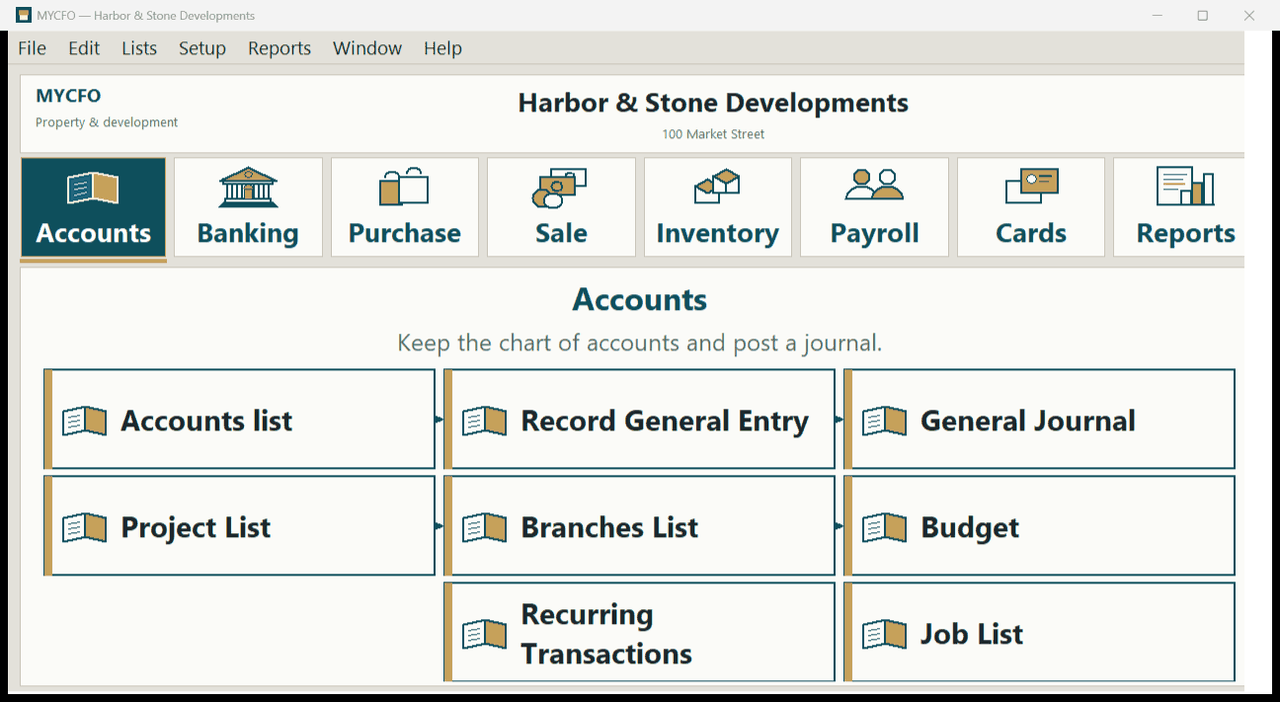
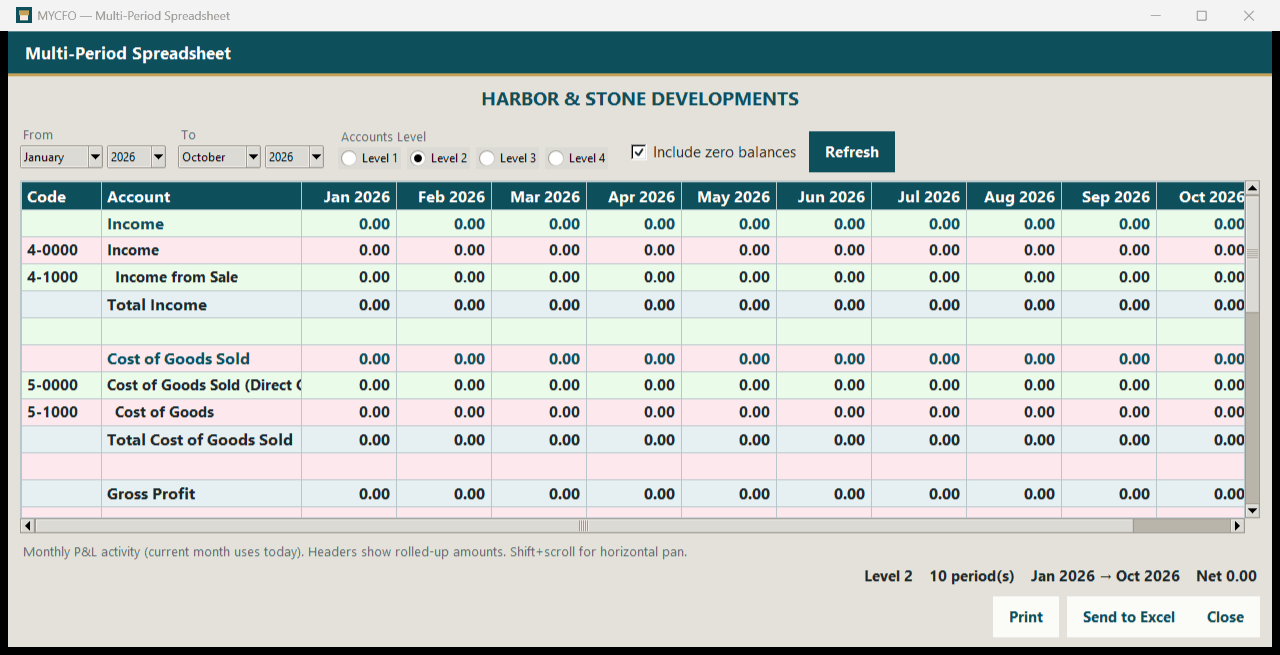
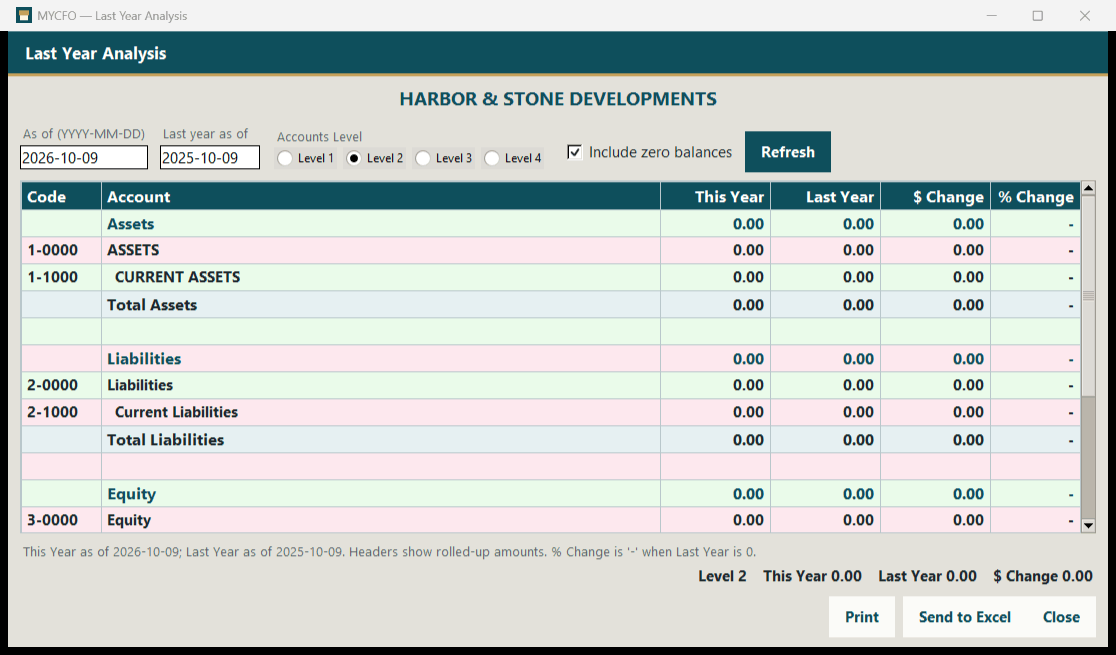
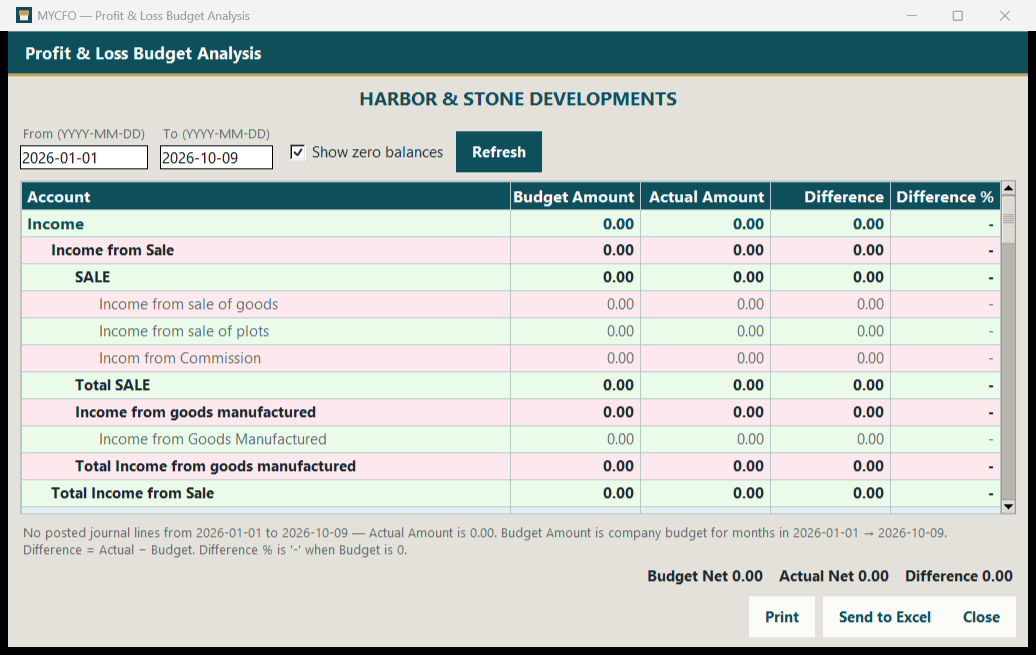
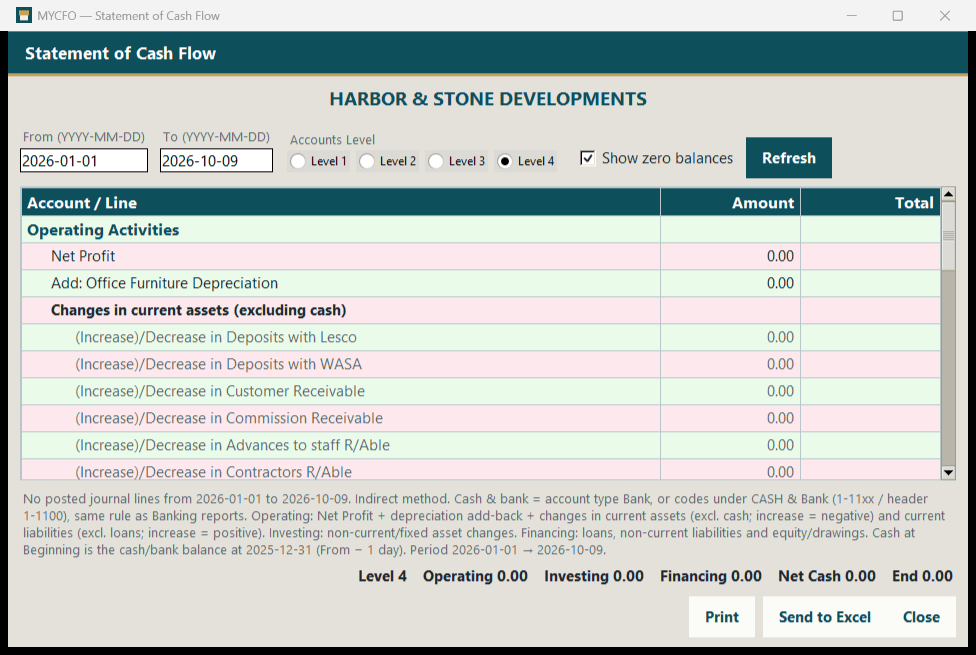
Screens show a practice company (Harbor & Stone Developments) with mostly zero balances.
System requirements
- Platform
- Windows desktop application
- Windows version
- Windows 11 (other versions coming)
- Database
- MySQL
- Users
- Single user (multi-user is on the roadmap)
- Installer, trial & licensing
- Not available yet — early-access customers are set up directly by our team
Not available yet
These are planned and are not part of MYCFO today.
Multi-user
Multiple users with user rights and record locking. MYCFO is single-user today.
Foreign-currency transactions
Vouchers in foreign currencies with exchange gain/loss. Today, vouchers are entered in each company's home currency.
Installer & licensing
A packaged installer, free trial and licence activation.
More Windows versions
MYCFO is tested on Windows 11; other versions are being verified.
Want to see MYCFO in action?
MYCFO is in early access. Request a demo or get early access — prices will be in USD, and customers worldwide are welcome.